View and save your invoices
Our payment processor Paddle sends an invoice by email automatically after each payment. You can also view past invoices from your Plausible account.
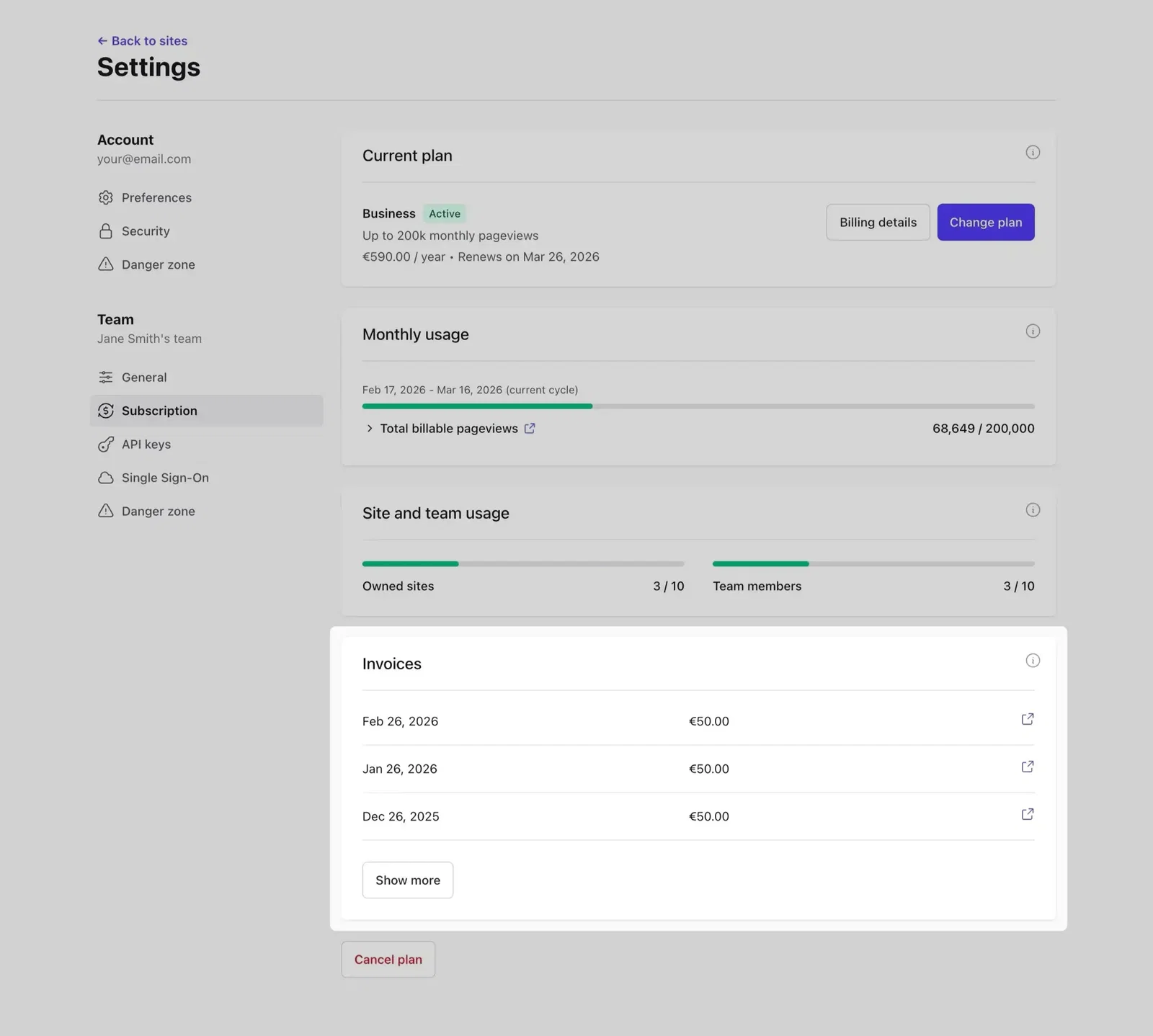
Log in and go to your account name → Account Settings. Scroll down in the Subscription section to see a list of all invoices. Select an invoice to open it in a new browser tab.
To save a PDF copy, use your browser's Print command and select Save as PDF as the destination.
Add your company address and VAT number
Open any invoice from Paddle and click Add address & VAT Number. Paddle handles VAT and sales taxes. If you provide a valid VAT ID, no VAT will be charged on future payments. More on Paddle's VAT handling →
Change your billing address
Open any invoice and click Edit business address to update your address.
Changing the country on an existing subscription isn't possible due to tax regulations. To switch countries, wait for your current subscription to expire, cancel, then resubscribe from the same account with the new country. No data is lost in this process.
Change the email address for invoices
Plausible and Paddle use separate email addresses. Your Plausible email is for logging in and viewing stats. Your Paddle email is where invoices are sent.
To change your invoice email, contact us with your current Paddle email and the new address you'd like invoices sent to.